Attention Students
Regular class attendance/participation is important to the attainment of educational objectives. The University must abide by federal guidelines to verify attendance in each course for which a student is enrolled. In addition, eligibility for federal financial aid awards, is dependent on a student’s attendance in class. Therefore, if a student does not attend class, their awards may be reduced or completely cancelled.
Beginning in Fall 2019, verification of attendance in all LU courses, both online and on campus, will be accomplished through the use of an attendance assignment in each Blackboard course. Students will have until the census date for each course to complete this assignment. Students who fail to complete this assignment for each course they are enrolled in will have their financial aid awards adjusted or cancelled.
Questions may be directed to financialaid@lamar.edu
If you were asked to take a survey as part of your attendance verification, this is no longer a requirement.
Please follow the instructions below instead.
1. Enter the relevant course in LULearn (Blackboard) and find the Attendance Verification Quiz. It is typically located towards the top of the Course Content Feed, possibly within a "Getting Started" module folder.

2. Once you are in the quiz, select yes or true:

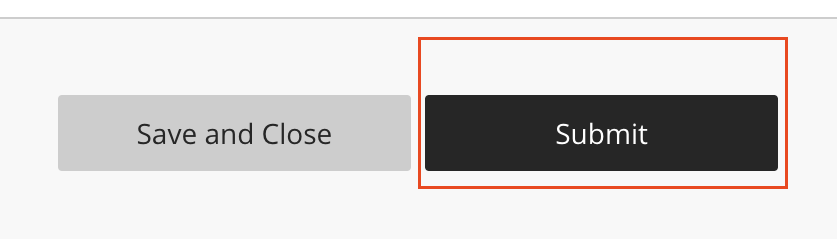
3. Finally, click the Submit button located at the bottom right: