How to log in
To log in to Cascade CMS, you need an active LEA and have completed a training session through the Web Communication office/website.
Instructions
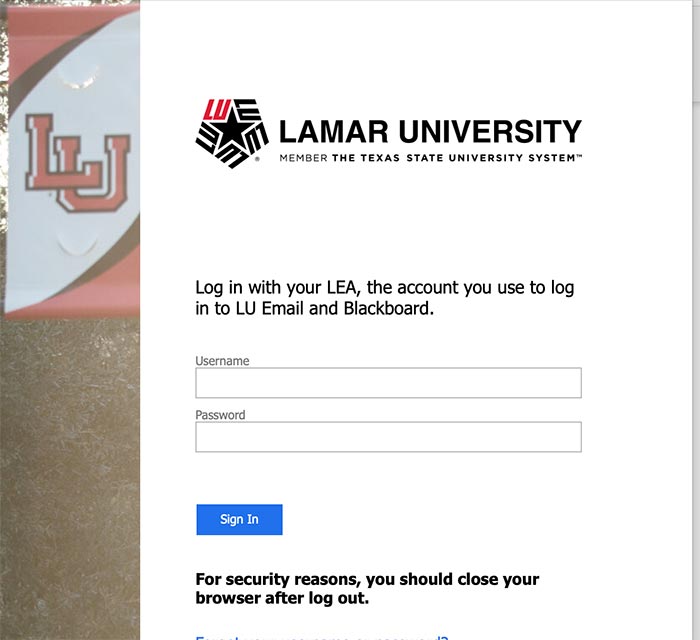
- Using a web browser, go to https://www.lamar.edu/cms. The Lamar University single sign-on screen will load.
- Sign in with your LEA Credentials (LU email and password)
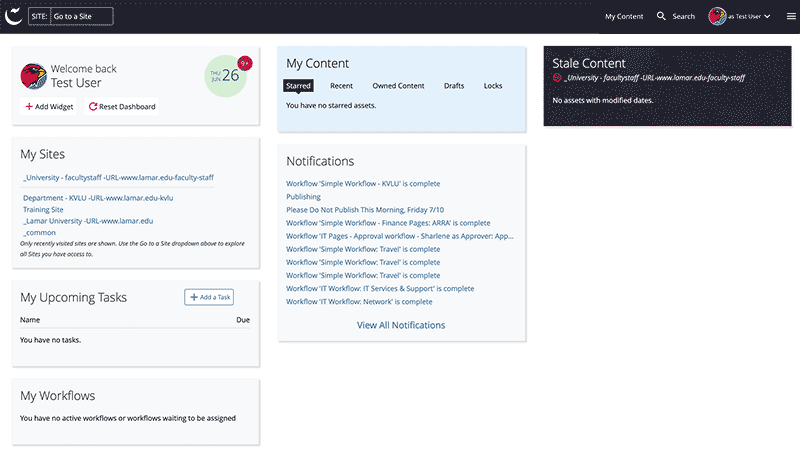
- Click the Sign In button. After you successfully log in, you will see your Cascade CMS Dashboard.
For security reasons, log out and quit your web browser when you are done accessing services that require Lamar University credentials.